


Introduction to Planner 5D
In today’s digital world, designing your dream home no longer requires professional architectural skills or expensive software. Planner 5D has emerged as one of the most popular and accessible home design tools, allowing users to create stunning interior and exterior layouts with ease. Whether you are planning a renovation, decorating a new apartment, or simply exploring creative ideas, this platform offers powerful features for both beginners and professionals.
Planner 5D is an all-in-one home design software that enables users to build floor plans, decorate interiors, and visualize spaces in realistic 2D and 3D formats. Its intuitive interface and drag-and-drop functionality make it easy to use, even for those with no prior design experience.
The platform has gained global popularity thanks to its flexibility, cross-platform availability, and extensive design library. From homeowners and students to interior designers and real estate professionals, Planner 5D serves a wide range of users looking to bring their ideas to life.
Key Features That Make Planner 5D Stand Out
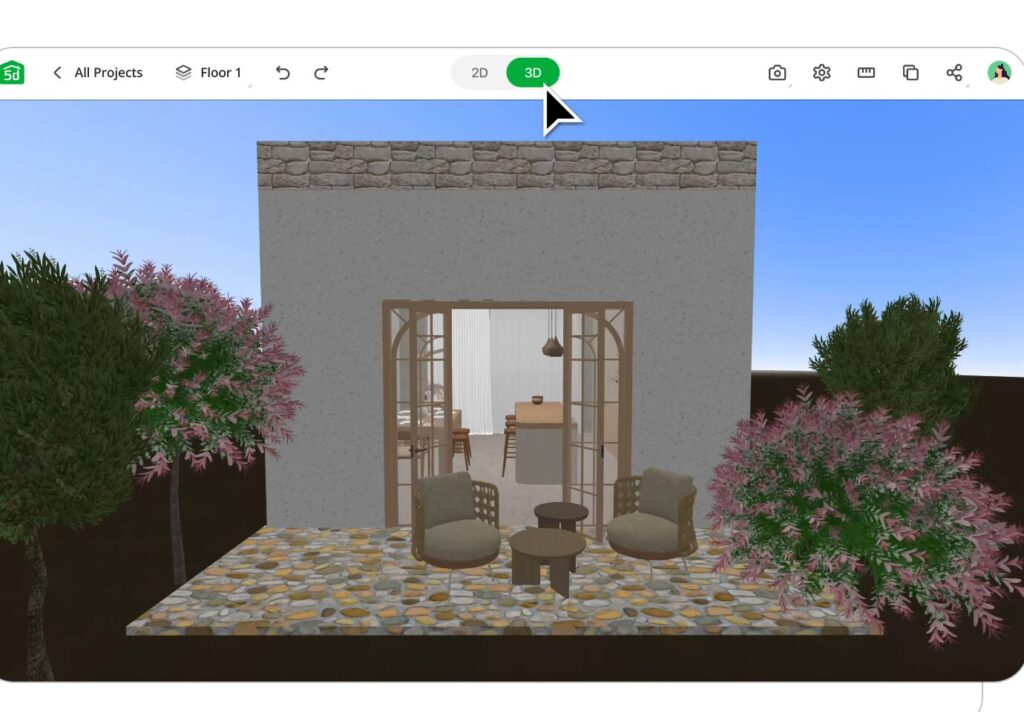
Planner 5D is packed with features that simplify the design process while offering impressive creative freedom. One of its most notable capabilities is the ability to switch seamlessly between 2D and 3D modes, allowing users to plan layouts and then instantly visualize them in a realistic environment.
The software includes a large catalog of furniture, décor items, and structural elements. Users can choose from thousands of objects, including sofas, lighting fixtures, kitchen appliances, and landscaping elements, to customize their spaces.
Another standout feature is the drag-and-drop functionality, which simplifies the design process. Instead of dealing with complex tools, users can simply select items and place them into their layouts. This ease of use is a major reason for the platform’s popularity.
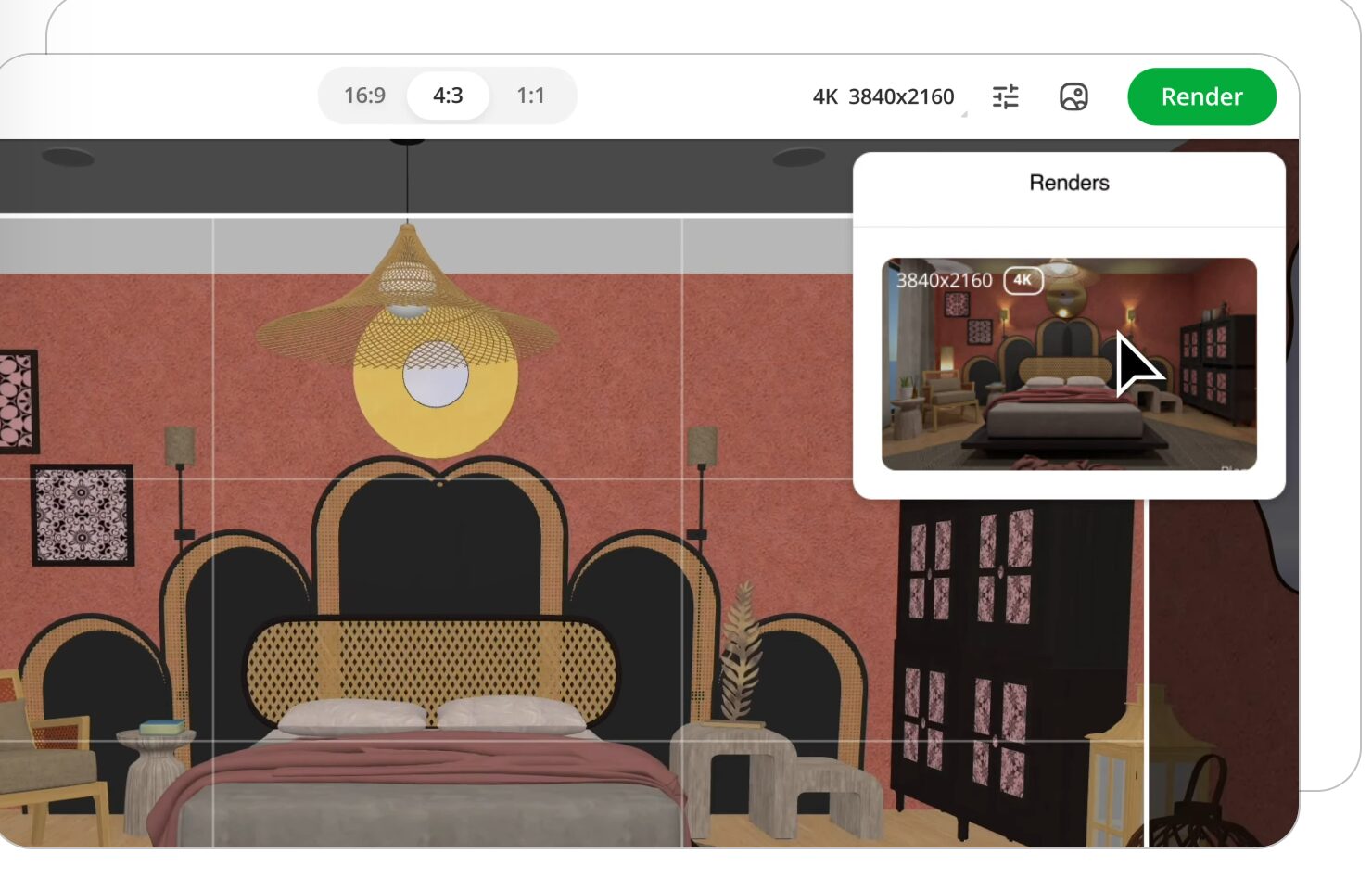
Planner 5D also offers high-quality rendering capabilities. Users can generate photo-realistic images of their designs, complete with lighting, shadows, and textures. This feature helps bring concepts to life and provides a clear vision of the final result.
Additionally, the software supports customization of colors, materials, and textures, allowing users to experiment with different design styles. From modern minimalism to classic interiors, the possibilities are virtually endless.
How Planner 5D Works: From Concept to Creation
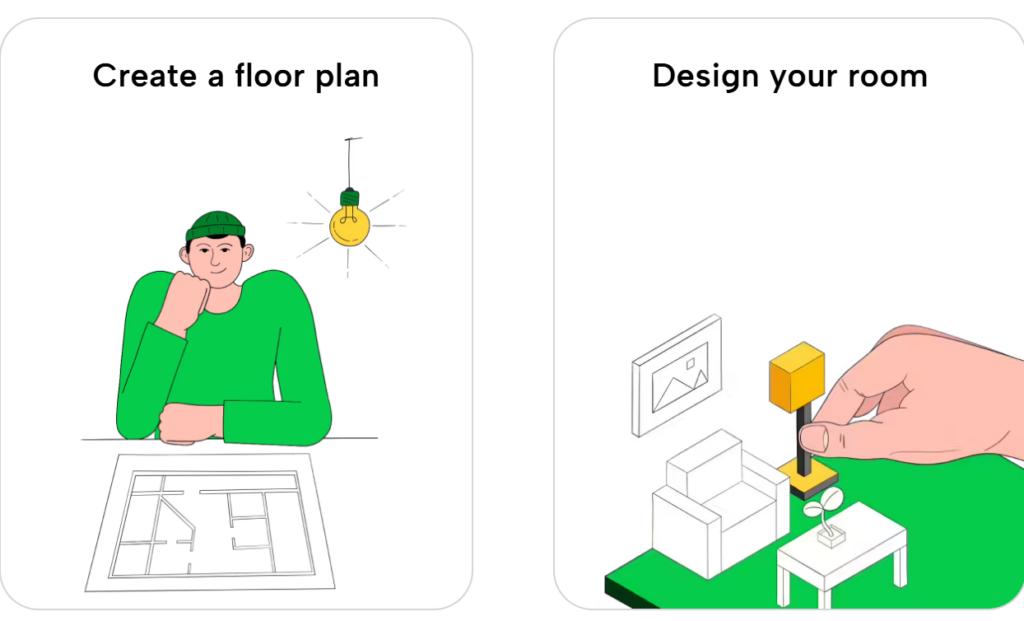
Using Planner 5D is a straightforward process that guides users from initial ideas to fully realized designs. The journey typically begins with creating a floor plan. Users can either design a layout from scratch or upload an existing plan to modify and improve.
Once the layout is ready, the next step involves adding structural elements such as walls, doors, and windows. The software provides precise measurement tools, ensuring accuracy in design. This makes it suitable not only for creative exploration but also for practical planning.
After building the structure, users can move on to interior design. The extensive catalog allows them to furnish rooms with a wide variety of items. Each element can be resized, repositioned, and customized to fit the overall design.
One of the most exciting aspects of Planner 5D is its 3D visualization feature. Users can switch to 3D mode to explore their designs from different angles, giving them a realistic sense of space and layout.
The platform also includes AI-powered tools that can generate room designs automatically based on user preferences. These tools save time and provide inspiration, especially for those who may feel overwhelmed by starting from scratch.
Benefits of Using Planner 5D for Home Design
Planner 5D offers numerous advantages that make it a preferred choice for home design enthusiasts. One of its biggest strengths is accessibility. The platform is available on web browsers, mobile devices, and desktop systems, allowing users to work on their projects anytime and anywhere.
Another major benefit is its user-friendly interface. Unlike traditional design software that requires extensive training, Planner 5D is designed for simplicity. Even beginners can quickly learn how to create detailed layouts and designs.
The ability to visualize designs in 3D is another significant advantage. This feature helps users understand how their ideas will look in real life, reducing the risk of costly mistakes during actual construction or renovation.
Planner 5D also encourages creativity. With thousands of design elements and customization options, users can experiment with different styles and layouts without limitations. Whether designing a small apartment or a large house, the platform provides the tools needed to bring any vision to life.
Collaboration is another key feature. Users can share their projects with friends, family, or professionals, making it easier to gather feedback and refine designs. This is particularly useful for team projects or client presentations.
Planner 5D Pricing, Plans, and Accessibility
Planner 5D operates on a freemium model, offering both free and paid versions. The free version provides access to basic features, allowing users to create and share projects. However, some advanced features, such as high-quality renders and access to the full catalog, are limited.
Paid plans unlock additional capabilities, including premium design elements, enhanced rendering options, and advanced tools. This tiered pricing structure makes the platform accessible to a wide range of users, from casual hobbyists to professional designers.
The software is also highly versatile in terms of compatibility. It works on multiple platforms, including iOS, Android, Windows, and macOS, as well as directly in web browsers. This flexibility ensures that users can seamlessly switch between devices without losing progress.
Another notable aspect is the ability to export designs in various formats, such as images, videos, and technical files. This makes it easier to share projects or integrate them with other design tools.
Limitations and Considerations of Planner 5D
While Planner 5D offers many advantages, it is not without its limitations. One common challenge is the learning curve associated with more advanced features. While basic functions are easy to use, mastering the full capabilities of the software may take time.
Performance can also be an issue, especially on lower-end devices. High-quality rendering and complex designs may require significant system resources, which can affect speed and responsiveness.
Another consideration is that Planner 5D is primarily designed for conceptual design rather than detailed architectural planning. While it is excellent for visualizing ideas, it may not replace professional CAD software for technical projects.
Additionally, some users may find the limitations of the free version restrictive. Access to the full catalog and advanced features often requires a subscription, which may not suit everyone’s budget.
Despite these drawbacks, Planner 5D remains a powerful and versatile tool for home design, particularly for those looking for an easy-to-use and visually engaging platform.
Conclusion
Planner 5D has revolutionized the way people approach home design by making it accessible, intuitive, and visually impressive. Its combination of 2D planning, 3D visualization, and AI-powered tools provides a comprehensive solution for creating and exploring design ideas.
Whether you are a homeowner planning a renovation, a student learning design concepts, or a professional seeking a quick visualization tool, Planner 5D offers the flexibility and features needed to succeed. Its extensive catalog, realistic rendering capabilities, and cross-platform accessibility make it a standout choice in the world of home design software.
While it may not replace advanced architectural tools, its ease of use and creative potential ensure that it remains a popular option for users worldwide. As technology continues to evolve, Planner 5D is likely to play an even greater role in shaping the future of interior and exterior design.