


Introduction to Planner 5D
In the modern digital landscape, home design has become more accessible than ever before. Gone are the days when creating a functional and visually appealing space required professional expertise or expensive tools. Planner 5D has emerged as a leading solution, offering a powerful yet user-friendly platform for designing interiors and exteriors.
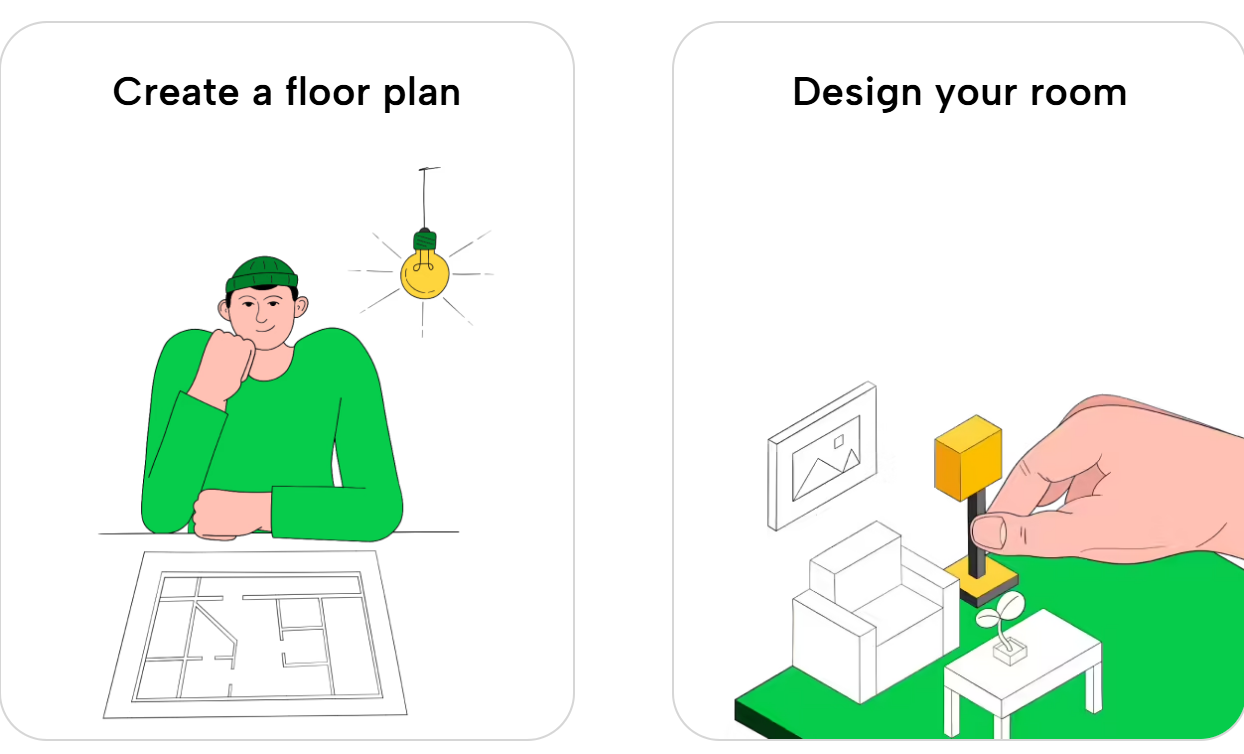
Planner 5D allows users to create detailed floor plans, experiment with layouts, and visualize spaces in both 2D and 3D formats. Its intuitive interface makes it suitable for beginners, while its advanced capabilities appeal to professionals. Whether you’re redesigning a living room, planning a renovation, or building a dream home from scratch, this software provides everything needed to bring ideas to life.
The platform is widely used across different industries, including interior design, real estate, and education. Its versatility and ease of use have contributed to its growing popularity worldwide.
Key Features That Make Planner 5D Stand Out
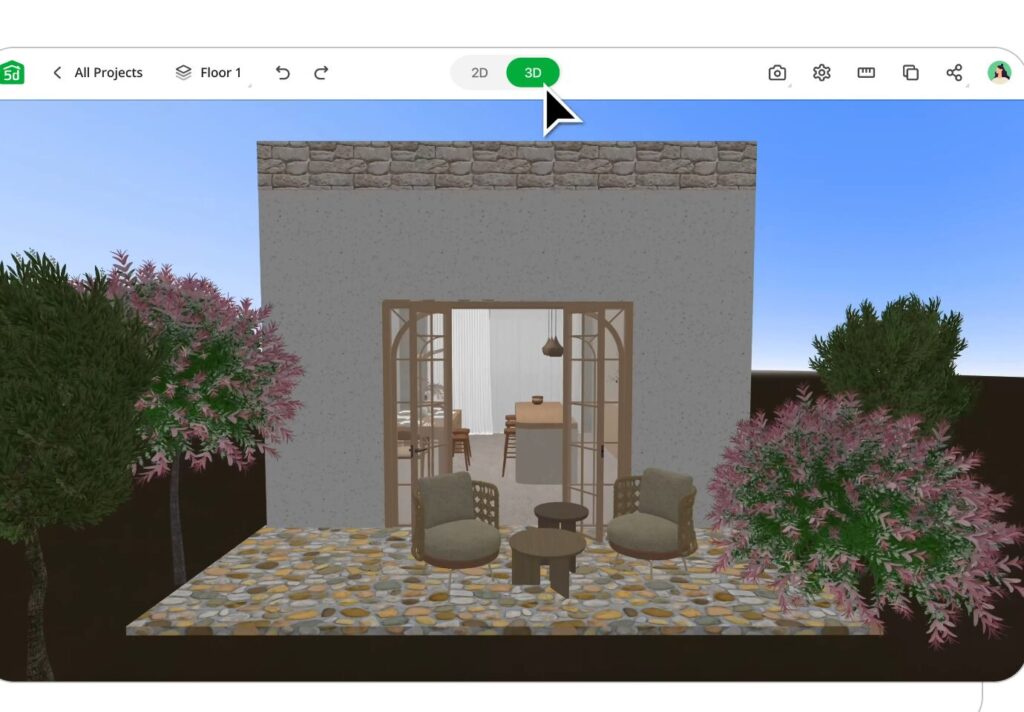
Planner 5D offers a comprehensive set of features that simplify the design process while delivering impressive results. One of its most notable features is the seamless transition between 2D and 3D views, allowing users to visualize their designs realistically.
The platform includes a vast catalog of furniture, décor, and structural elements. Users can customize every detail, from wall dimensions to furniture placement, creating highly personalized designs.
Another standout feature is the drag-and-drop functionality, which eliminates the need for technical expertise. This makes the software accessible to users with no prior design experience.
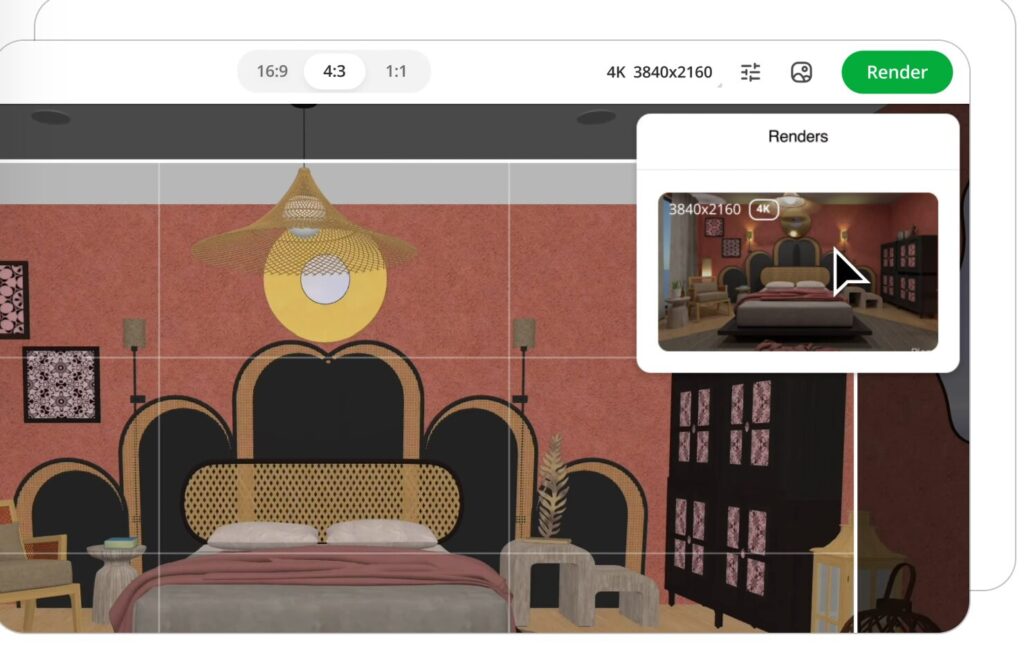
High-quality rendering capabilities enable users to generate realistic images with accurate lighting and textures. These visuals are particularly useful for presentations and decision-making.
Customization options further enhance the experience, allowing users to experiment with colors, materials, and styles to achieve their desired look.
User Interface and Ease of Use
One of the biggest strengths of Planner 5D is its intuitive user interface. The platform is designed to be simple and easy to navigate, making it accessible to users of all skill levels.
The dashboard is clean and well-organized, allowing users to quickly access tools and features. The drag-and-drop system simplifies the design process, enabling users to create layouts without dealing with complex commands.
Switching between 2D and 3D views is seamless, providing a smooth and efficient workflow. This ease of use sets Planner 5D apart from more technical tools like AutoCAD, which often require extensive training.
Customization and Design Flexibility
Planner 5D offers a high level of customization, allowing users to create unique and personalized spaces. From adjusting room dimensions to selecting materials and textures, the platform provides complete creative control.
Users can experiment with different design styles, from modern and minimalist to classic and traditional. The ability to customize every detail ensures that each design reflects the user’s vision.
This flexibility makes Planner 5D suitable for a wide range of projects, from small room makeovers to large-scale home designs.
Planner 5D Mobile and Cross-Platform Experience
Planner 5D is designed to work seamlessly across multiple devices, including desktops, tablets, and smartphones. This cross-platform compatibility allows users to work on their projects anytime and anywhere.
The mobile app is optimized for touch controls, making it easy to design on the go. Projects are synchronized across devices, ensuring that progress is never lost.
Compared to tools like SketchUp, which are often better suited for desktops, Planner 5D provides a more flexible and accessible experience.
Community, Templates, and Inspiration
Planner 5D offers a rich library of templates and community-created designs. These templates provide inspiration and serve as a starting point for new projects.
Users can explore different layouts, learn design techniques, and share their own creations with the community. This collaborative environment encourages creativity and continuous improvement.
The availability of ready-made templates also saves time, making it easier for users to start designing without building everything from scratch.
Real-Life Applications and Use Cases
Planner 5D is widely used in real-world scenarios across various industries. Homeowners use it to plan renovations and visualize changes before implementation.
Interior designers use the platform to create concept designs and present ideas to clients. Real estate professionals use it for virtual staging, helping buyers visualize properties more effectively.
Businesses use Planner 5D for office and retail planning, optimizing layouts for efficiency and functionality. Its versatility makes it a valuable tool for both personal and professional use.
Comparing Planner 5D with Other Design Software
Planner 5D competes with several other design tools, each offering unique features. Compared to AutoCAD, Planner 5D is more accessible but less technical.
When compared to SketchUp, it provides a simpler interface and faster results, while SketchUp offers more advanced modeling capabilities.
Another alternative, Roomstyler 3D Home Planner, is also beginner-friendly, but Planner 5D stands out with its larger catalog and better rendering features.
Performance, Security, and Technical Aspects
Planner 5D delivers reliable performance across different devices. While simple projects run smoothly on most systems, more complex designs may require better hardware.
The platform is cloud-based, allowing users to access their projects from anywhere. This also ensures data security and reduces the risk of losing progress.
Regular updates keep the software optimized and introduce new features, ensuring a consistent and secure user experience.
Common Mistakes to Avoid When Using Planner 5D
To achieve the best results, users should avoid common design mistakes. Ignoring measurements can lead to unrealistic layouts that don’t work in real life.
Overcrowding a space with too many elements can make it feel cluttered. Maintaining balance and leaving enough room for movement is essential.
Lighting is another important factor. Proper lighting enhances realism and improves the overall appearance of the design.
Customizing materials and textures instead of relying on default settings can significantly improve the final result.
The Role of AI and Future Innovations
Artificial intelligence is transforming the design industry, and Planner 5D is embracing this trend. AI-powered tools help users generate layouts, optimize designs, and improve rendering quality.
Future developments may include virtual reality and augmented reality integration, allowing users to immerse themselves in their designs.
Sustainability is also becoming a key focus, with potential features aimed at creating eco-friendly and energy-efficient spaces.
Conclusion
Planner 5D has revolutionized home design by making it accessible, intuitive, and visually engaging. Its combination of powerful features and ease of use makes it suitable for a wide range of users.
Whether you’re a beginner exploring creative ideas or a professional looking for a quick visualization tool, Planner 5D offers the flexibility and functionality needed to succeed.
As technology continues to evolve, Planner 5D is well-positioned to remain a leader in the home design software industry, helping users bring their ideas to life with ease.