


Designing a home no longer requires professional training or expensive software. With user-friendly platforms like Planner 5D, anyone can create detailed floor plans and realistic interior designs in just a few clicks. This Planner 5D review explores how the tool works, who it is best for, and why it has become a popular home design software for beginners around the world.
Planner 5D is an online home design and floor plan creator that allows users to build spaces in both 2D and 3D. Whether you are planning a new house, redesigning a room, or simply experimenting with interior styles, Planner5D provides an accessible and intuitive experience without technical complexity.
What Is Planner 5D and How It Works

Planner 5D is a cloud-based home design software that helps users create floor plans, furnish rooms, and visualize interiors in realistic 3D views. The platform works directly in your web browser and is also available on mobile and desktop devices, making it easy to design anytime and anywhere.
Users start by drawing walls and rooms in a 2D layout. With a single click, the design switches to a 3D view, allowing you to walk through your space virtually. Furniture, décor items, lighting, and textures can be added using a drag-and-drop system, which makes the tool especially beginner-friendly. No prior design knowledge is required, which is why Planner 5D is often recommended as an entry-level floor plan creator.
Key Features of Planner 5D Home Design Software
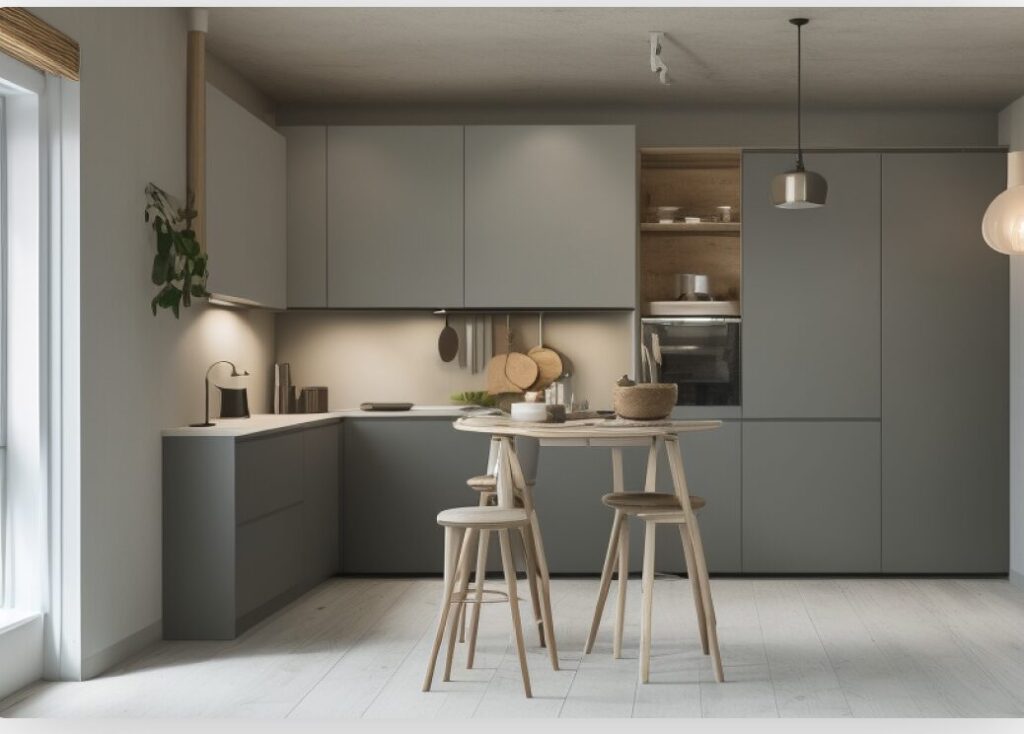
One of the biggest strengths highlighted in any Planner 5D review is its feature set tailored for ease of use. The software includes a wide catalog of furniture and decorative items that help users bring their ideas to life. Walls, floors, and ceilings can be customized with different colors, materials, and textures.
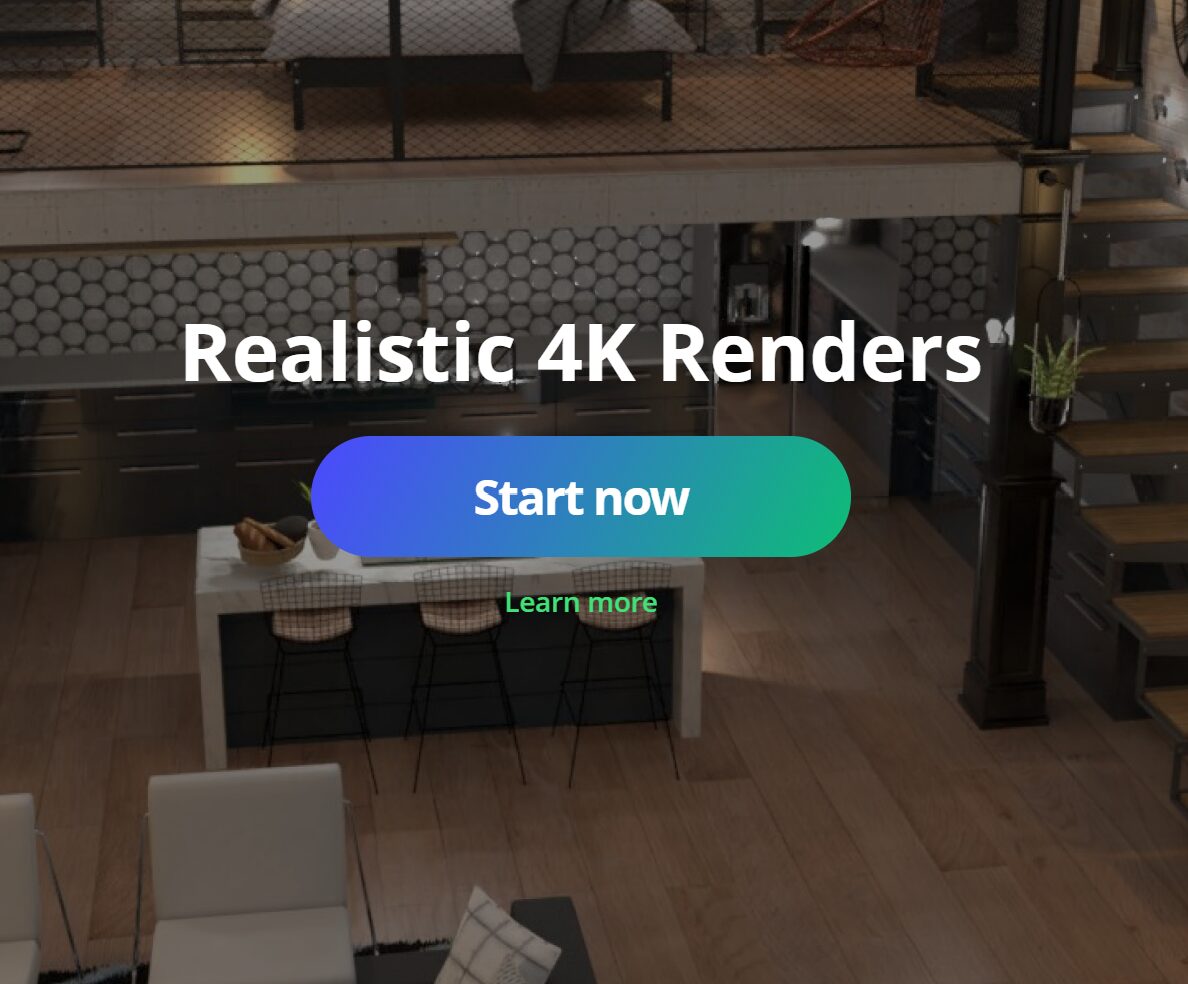
Planner5D also offers AI-powered tools that automatically generate room layouts or suggest interior styles based on user preferences. These tools are particularly helpful for beginners who are unsure where to start. The realistic 3D rendering feature allows users to create lifelike images of their designs, making it easier to visualize the final result before any real-world changes are made.
Ease of Use for Beginners and Non-Designers
Planner 5D is designed with beginners in mind. The interface is clean, simple, and intuitive, making navigation easy even for first-time users. Most actions involve dragging items into place, resizing them, or rotating them to fit the space.
Unlike advanced architectural software that requires training, Planner5D focuses on accessibility. Tutorials and guided tools help users understand the basics of home design quickly. This makes it an ideal floor plan creator for homeowners, students, and hobbyists who want professional-looking designs without a steep learning curve.
Free vs Paid Plans: What Do You Get
Planner 5D operates on a freemium model. The free version allows users to create unlimited projects and access basic design tools. This is suitable for simple layouts and early design ideas. However, the free plan has limitations in terms of furniture options, advanced customization, and high-quality rendering.
The paid version unlocks the full catalog of items, advanced AI design tools, and premium visual features. For users who want more realistic designs and greater flexibility, the paid plan adds significant value. Many users begin with the free version and upgrade once they feel comfortable using the home design software.
Who Should Use Planner 5D
Planner 5D is ideal for beginners who want a simple yet powerful home design tool. Homeowners planning renovations, renters redesigning apartments, and students learning interior design can all benefit from its features. It is also useful for real estate agents and small business owners who need quick visual layouts.
While professionals may prefer more advanced software for technical projects, Planner5D remains a strong option for concept designs and client presentations. Its ease of use and visual clarity make it appealing to anyone who wants fast and attractive results.
Pros and Cons of Planner 5D
Like any home design software, Planner 5D has both advantages and limitations. The biggest advantage is its beginner-friendly interface and realistic 3D visualization. The platform is easy to learn and does not require technical skills.
On the downside, some advanced features and items are locked behind a paid subscription. Users looking for highly detailed architectural drawings may find the tool somewhat limited. However, for basic floor plan creation and interior design, Planner5D performs exceptionally well.
Final Verdict: Is Planner 5D Worth Using
This Planner 5D review shows that the platform is a reliable and accessible home design software for beginners. Its intuitive tools, AI assistance, and realistic 3D views make it easy to turn ideas into visual designs. As a floor plan creator, it offers a smooth learning experience and impressive results without overwhelming users.
If you are new to home design and want a simple yet effective tool, Planner5D is definitely worth trying. The free version is enough to get started, while the paid plan offers more creative freedom for users who want to take their designs further.