

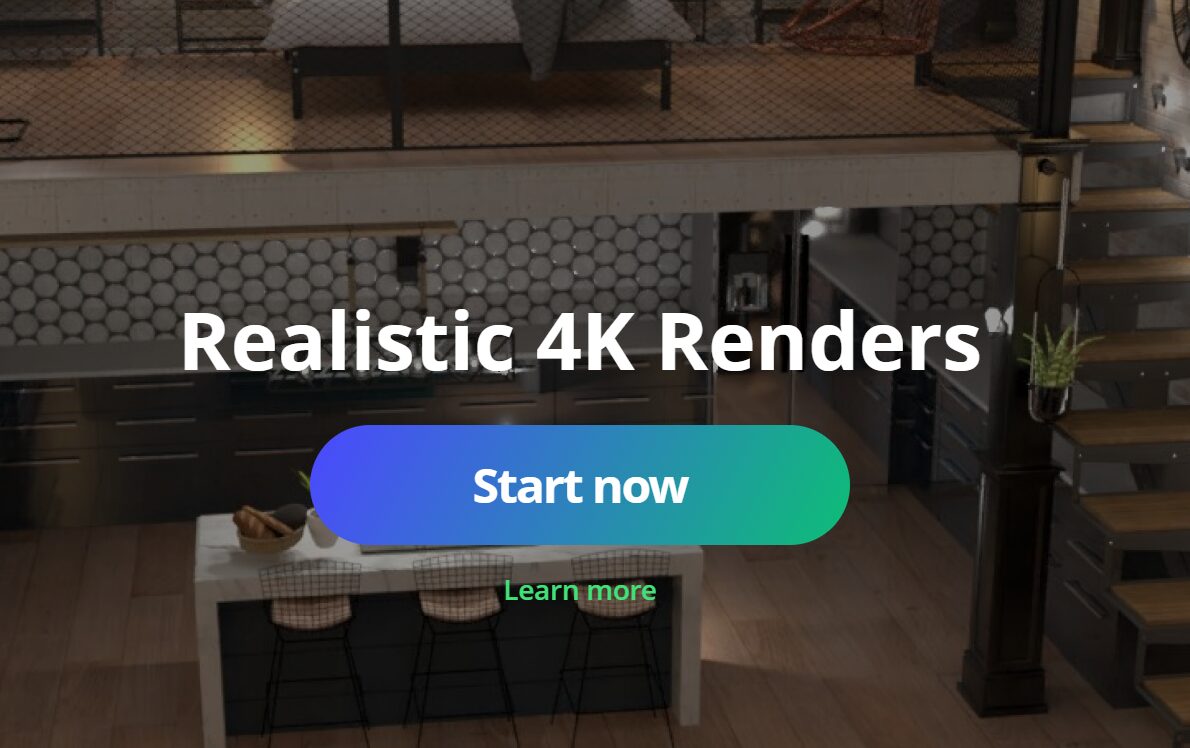
What is Planner 5D and Why It’s a Game-Changer
Planner 5D is an innovative home design software that bridges the gap between professional design tools and user-friendly apps for homeowners. Whether you are a DIY enthusiast wanting to redecorate a room, an interior designer creating layouts for clients, or even an architect planning a project, Planner 5D makes visualizing your ideas easy.
Its core strength lies in providing both 2D and 3D visualization. You can design floor plans in a simple 2D mode, then instantly switch to 3D mode to see how your furniture, color schemes, and lighting will look in a real-world scenario. Unlike traditional CAD software, there’s no steep learning curve. With its drag-and-drop interface, anyone can create professional-looking designs in minutes.
Moreover, Planner 5D integrates AI-assisted planning, offering suggestions for layout optimization, furniture placement, and even color matching. This feature saves time and ensures that your design looks both functional and aesthetically pleasing. For anyone planning a home renovation or just looking for interior design inspiration, Planner 5D is a game-changer.
Key Features That Make Planner 5D Stand Out
Planner 5D’s versatility comes from its rich set of features:
- AI-Powered Design Tools: Suggests optimal layouts and furniture arrangements for your rooms.
- Extensive Furniture and Decor Catalog: Thousands of items to choose from, including sofas, beds, tables, and décor items, all customizable in color and size.
- AR and VR Visualization: See how designs would look in real life through Augmented Reality or Virtual Reality modes.
- Customizable Templates: Choose from pre-made layouts or start from scratch.
- Cross-Device Compatibility: Work seamlessly on desktop, tablet, or mobile.
Additionally, users can upload existing floor plans, add walls, doors, and windows, and create mood boards to combine colors, textures, and furniture ideas. Snapshot renders provide realistic images that you can share with contractors or clients, making communication easier.
Planner 5D also keeps evolving, regularly adding new furniture items, textures, and AI features, keeping it ahead of competitors in the home design software market.
How to Create Stunning Floor Plans in Planner 5D
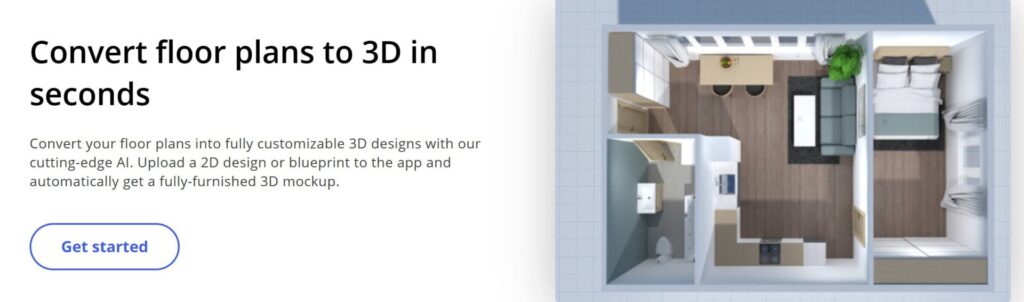
Creating a floor plan is simple yet powerful:
- Start with 2D Layout: Draw walls, define rooms, and add doors and windows.
- Add Furniture and Fixtures: Drag items from the catalog into your rooms. Adjust size, position, and orientation.
- Switch to 3D Mode: Visualize your layout in three dimensions. Walk through the space virtually.
- Apply Colors and Materials: Change wall colors, flooring, and furniture materials for realistic renderings.
- Use AI Suggestions: Planner 5D can recommend furniture placement or space optimization.
- Generate Snapshots and Videos: Create images or animated walkthroughs to share your design ideas.
Tips:
- Measure your real room first for accurate scaling.
- Start with the main furniture items before adding décor.
- Experiment with lighting and textures for a realistic look.
With these steps, even someone without prior design experience can create a professional-quality floor plan and see the final result in realistic 3D.
Using Planner 5D for Interior Design Inspiration
Planner 5D isn’t just for floor plans—it’s also a creativity hub:
- Explore different styles like modern, rustic, minimalistic, or classical.
- Experiment with lighting scenarios, including natural light simulations.
- Create virtual mood boards combining furniture, paint colors, and decor.
- Try color matching and material combinations without buying samples.
For example, a homeowner planning a living room can try multiple sofa styles, change wall colors, test rug patterns, and even simulate lighting at different times of the day. This risk-free experimentation ensures that the final design is cohesive and meets aesthetic goals.
Additionally, Planner 5D offers inspiration galleries and pre-designed layouts, making it easy to get ideas if you’re unsure where to start. Designers and homeowners alike can save multiple versions of a project, compare ideas, and make decisions confidently.
Planner 5D for DIY Renovation and Home Projects
For DIY renovations, Planner 5D is invaluable:
- Measure spaces accurately before making purchases.
- Visualize how new layouts, furniture, or structural changes will look.
- Simulate renovations like moving walls, adding cabinets, or changing flooring.
- Experiment with different furniture arrangements to maximize space and flow.
Example: If you’re redesigning a kitchen, you can try multiple cabinet layouts, test different counter materials, and even place appliances virtually. This prevents costly mistakes and ensures the design works in reality.
Planner 5D also helps with collaboration—you can share your designs with family members, contractors, or designers for feedback. This makes planning smoother and more efficient.
Planner 5D Pricing, Accessibility, and Final Thoughts
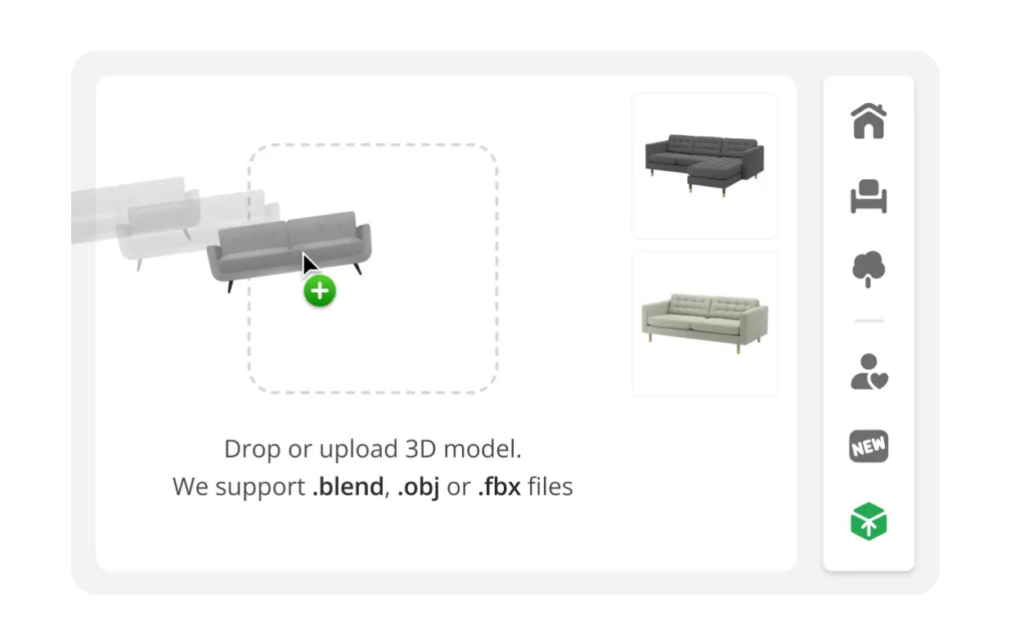
Planner 5D has a freemium model, allowing access to essential tools for free. Premium subscriptions unlock:
- Full furniture and décor catalog
- AI-assisted design features
- HD renderings and video walkthroughs
- Advanced customization options
The software is accessible for beginners yet robust enough for professional designers. Its cross-platform support, 3D visualization, and AI capabilities make it one of the most comprehensive tools for home design.
Whether planning a small room makeover or a full-scale renovation, Planner 5D offers a creative, practical, and tech-driven solution. It’s ideal for anyone who wants to visualize, experiment, and perfect their home designs before making real-world changes.