



Getting Started with Pelago
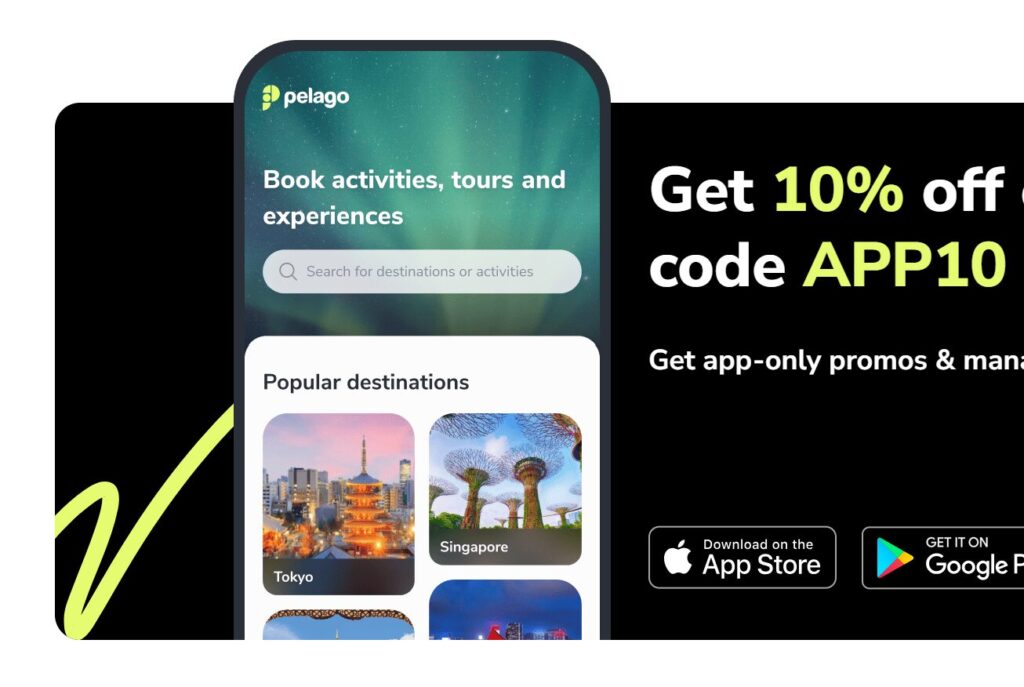
Learning how to use Pelago begins with visiting the website or opening the mobile app and creating a free account. The platform is designed for travelers who want to discover and book activities, tours, and attractions in one place. On the homepage you can search by destination, type of experience, or travel dates to see a wide range of options. This Pelago booking guide shows that even first-time users can navigate easily thanks to clear categories, photos, and descriptions. Having an account helps save favorite activities and speeds up future activity reservations.
Searching for the Right Experience
The next step is exploring what to do at your destination. Pelago organizes experiences into themes such as sightseeing, food, adventure, family activities, and transport services. Filters allow you to sort by price, duration, or traveler ratings, which are helpful travel booking tips when comparing similar tours. Each listing includes important details like meeting points, inclusions, cancellation rules, and instant confirmation availability. Understanding these elements is essential in this Pelago booking guide because they help you choose activities that truly match your schedule and interests.
Selecting Dates and Options
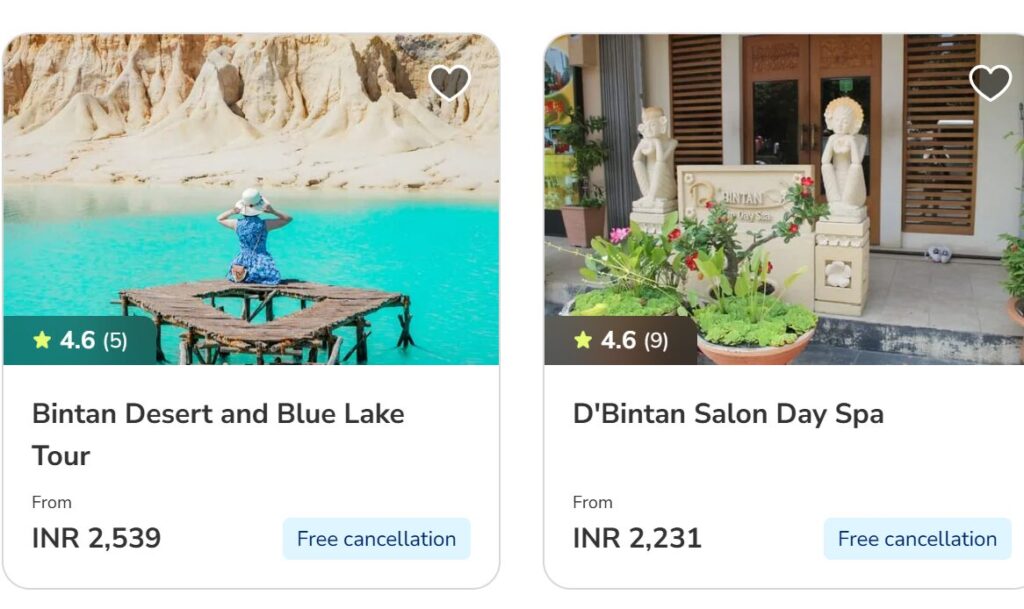
After choosing an activity, the booking page lets you pick dates, time slots, and package variations. Some experiences offer upgrades such as private guides, hotel transfers, or skip-the-line entry. This part of how to use Pelago is important because prices can change depending on the option selected. Travelers should read the “What’s Included” section carefully to avoid surprises later. These travel booking tips ensure that your plan fits your budget and expectations before moving to payment.
Completing Payment Securely
The checkout process on Pelago is straightforward and supports major credit cards, digital wallets, and regional payment methods. Once payment is confirmed, vouchers are sent instantly by email and stored in your account. This Pelago booking guide recommends downloading the voucher to your phone for easy access during the trip. Most activity reservations can be shown digitally without printing, which is convenient for travelers on the move. The platform also provides customer support contacts in case you need help before the experience begins.
Managing Bookings and Travel Day Tips
Knowing how to use Pelago also means understanding how to manage bookings after purchase. Inside your account you can review details, request changes when allowed, or cancel according to the policy of each activity. Notifications about meeting points and reminders are sent before the travel date. On the day of the experience, arrive a little early and carry identification if required. Following these simple travel booking tips will help you enjoy a smooth start to your tour and make the most of your Pelago activity reservations.